Blogging Tips & other Takeaways from #WordUp meet

It was 20th September & it was Saturday. People usually plan parties & hangouts on such Saturdays, but IndiBlogger, this time with Bigrock had planned something different than this mainstream tradition. It was named #WordUp, a power packed meet full of amazing Speaker Sessions, Contests, Food, Prizes & of course the welcome song by IndiBlogger‘s very own Band.

The meetup started with the early registrations & concluded with the Wind up note by IndiBlogger & Bigrock. What happened in between was sheer awesomeness 🙂
Take a look at the agenda below to know what was the part of this awesomeness,
#WordUp Agenda Compulsive Blogger


Here are some Blogging Tips shared by Amit Agarwal (India’s top Blogger, he blogs at labnol.org) during his Speaker Session,
Continue reading “Blogging Tips & other Takeaways from #WordUp meet”

The Best Developer Tools (Giveaway by GitHub)

We’re tech enthusiasts, we love hands on experiences, we’re passionate about exploring new tools & building real world projects, but many or most of us may not be in a condition to buy those expensive tools. Yes, being a student, we have rare sources of earning & therefore we cannot afford to pay for such tools.

Not to worry now, GitHub & their partners have come up with a solution to this. They are giving away some awesome tools to students for free of cost.
GitHub Student Developer PackFor those who aren’t aware of GitHub, it has already helped more than 100,000 students on their developing problems.

List of tools included in the free Student Developer Pack:
Continue reading “The Best Developer Tools (Giveaway by GitHub)”

How to make 2 Face Designs in Photoshop ?

We all have a Hero, whom we praise, appreciate, applaud & wish to match their skill sets. We also have an another self within, don’t we? We sometimes wish to represent ourselves with both the faces viz., the actual one which is visible to the outer world  & the one we are deep within.

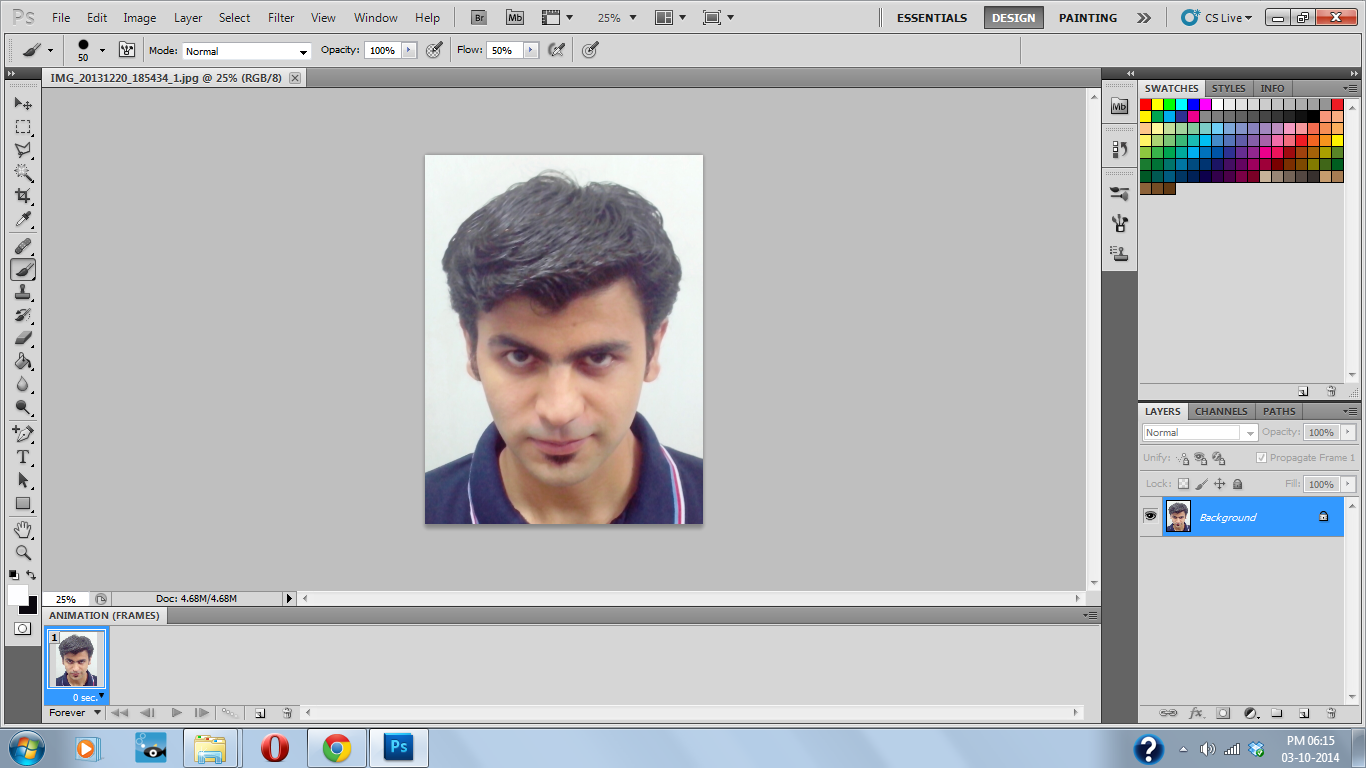
Thanks to Adobe Photoshop, we can actually do this now. Follow the step-by-step tutorial below to make a 2 face picture in Adobe Photoshop:

1. Open your Original image & the face to be merged in Photoshop

Original Picture
Original Picture


2nd face
2nd face


This can be done by opening the file from within the software or by right clicking on the image & selecting “Open with Adobe Photoshop“.

2. Select the face & paste it on the Original image

Select all+Paste & Transform

Use shortcut Ctrl+A to select all & then paste it on the Original image again by using the shortcut Ctrl+V. Then press Ctrl+T to transform the face.
Continue reading “How to make 2 Face Designs in Photoshop ?”

8 Android Apps that help You Save Time, Save Money

It’s been around 6 years from the discovery of Android OS by Google Inc. In this time period of 6 years, Android has largely dominated the Mobile Market, the reason being it’s easy development platform & open source license. The applications in Android are no lesser than a piece of human intelligence.  We live in an era where our time is more important than anything else. You waste Time, you waste Money. And our very own Android takes care that you don’t waste any of these.

Here’s a list of few Android Apps that’ll help you Save Time, Save Money :

1. Any.do

Any.do


Any.do is a to-do list creator that reminds you with any of your undone task & doesn’t lets you procrastinate 😉 Whether you’ve to call someone, meet someone or greet someone, this app will help you set reminders for it. App can be synced with your Google account so that you don’t lose any data while switching your device.



2. Birthdays for Android

Birthdays for Android


We all have a tough time remembering the birthdays of our friends, families, colleagues, don’t we? And in order to overcome this problem, we keep a track of our facebook. What if we can’t have the access to our facebook or we don’t have an active internet connection? Well, not to worry people, this app will never let you forget birthdays anymore. Easy syncing can be done from the facebook for once to save time & it also allows you to add birthdays manually for those who aren’t there on facebook. Import/Export will help you when you decide to install/uninstall the app or switch your device.


3. Cardiograph

Cardiograph


No more wasting money on devices to measure your heart bit rate. Cardiograph is here to provide you with the close to perfect results. Just place your finger on the camera lens & this app will let you know your current bit rate. This app has been launched after a lot of medical research & analysis to make it a trusted one.


4. Expense Manager

Continue reading “8 Android Apps that help You Save Time, Save Money”